User Profile
User profiles are managed by FMDP Administrators, who are authorized to update user profile information.
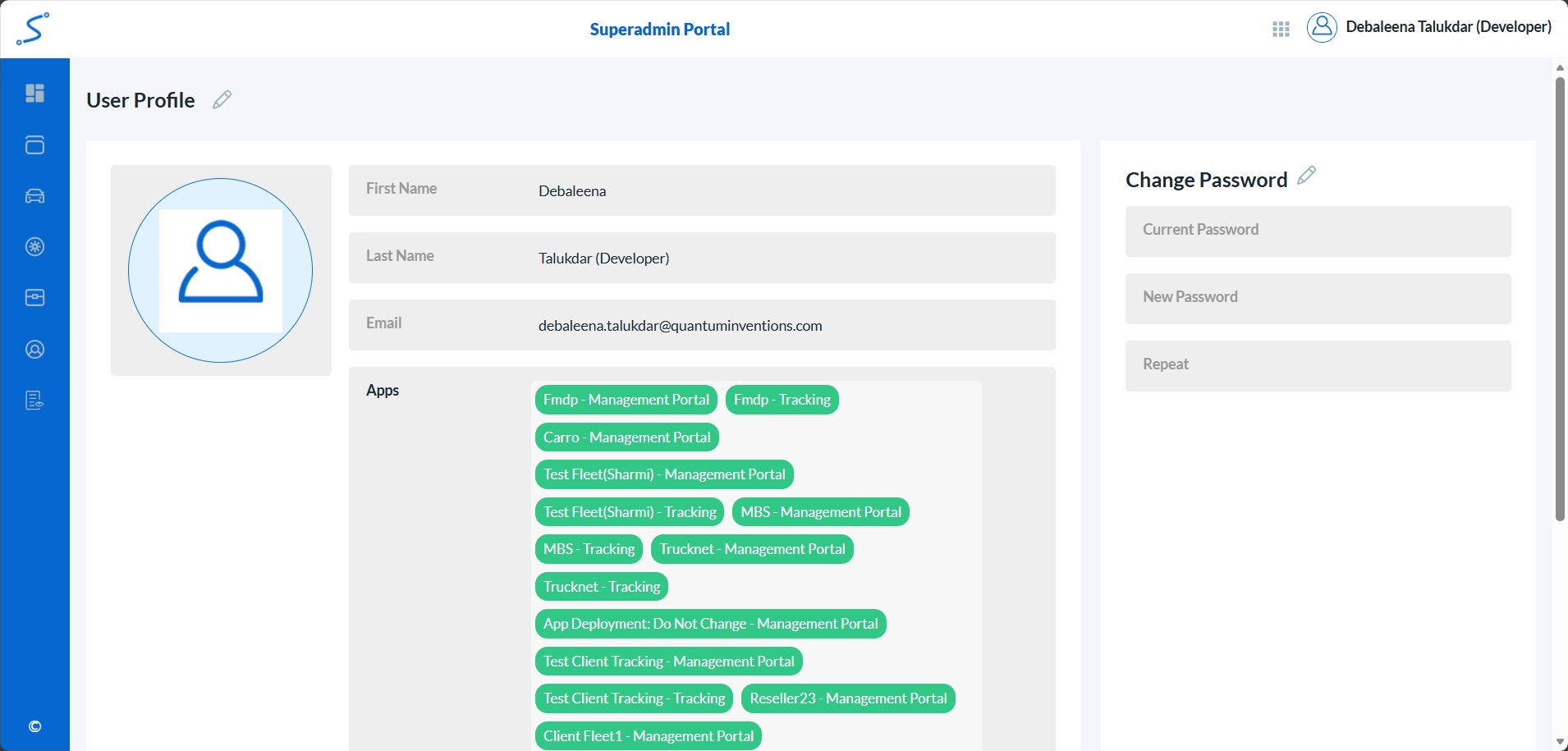
To access user profiles, follow these steps:
Log into the Super Admin Portal.
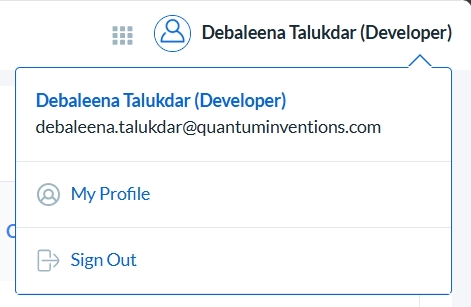
Select from the top right corner.
Choose My Profile option.
Update the necessary user profile information.
Managing user profiles
Updating user details
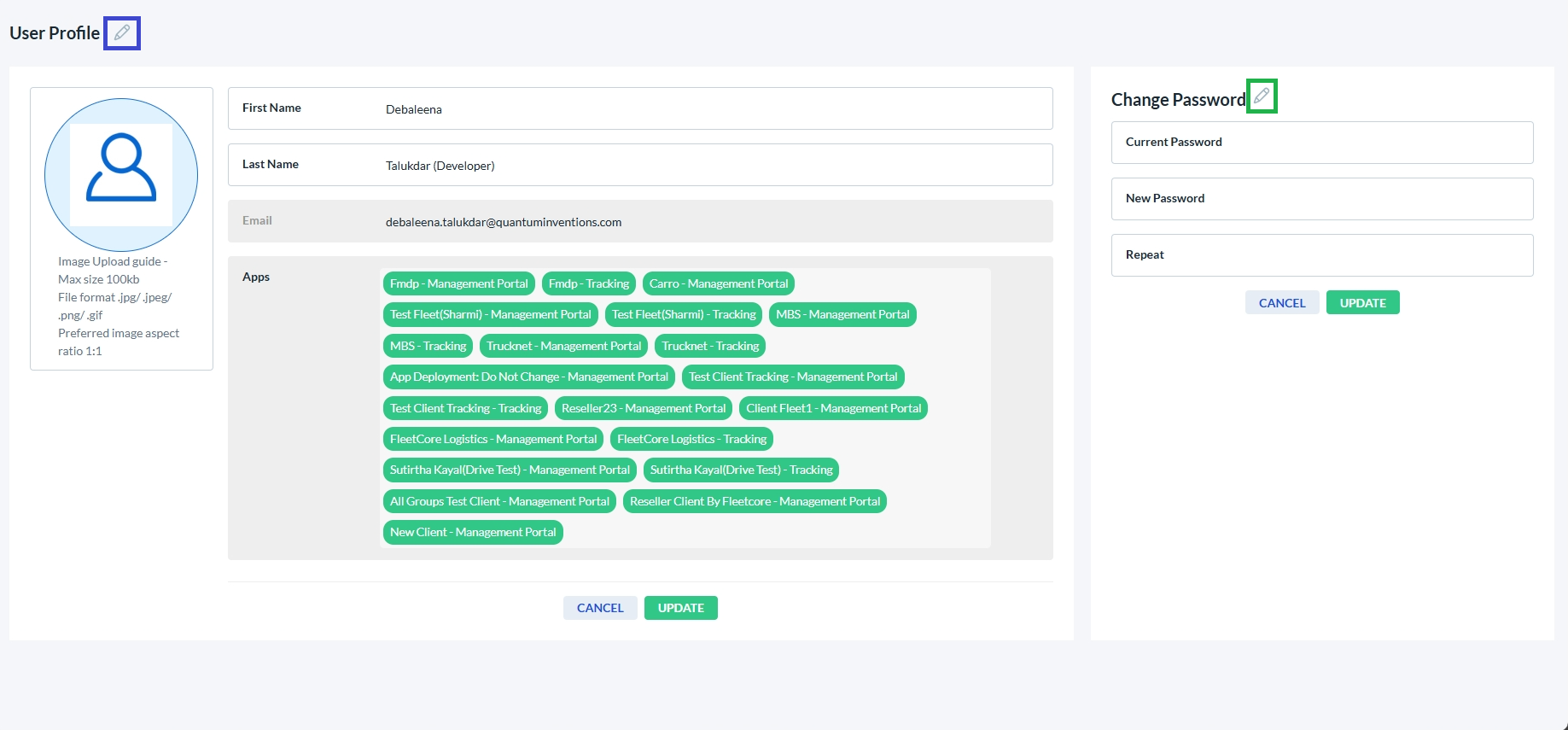
- Click the edit icon next to the User Profile (marked in blue box).
- Modify any enabled fields; fields displayed as disabled are read-only.
- When finished, click Update to save your changes or Cancel to discard them.
Updating user password
- Click the edit icon next to Change Password (marked in green box).
- Enter the current password, then enter the new password.
- When finished, click Update to save your changes or Cancel to discard them.