Login
Login to the FMDP Web Portal - Sign In & Forget Password.
Sign In
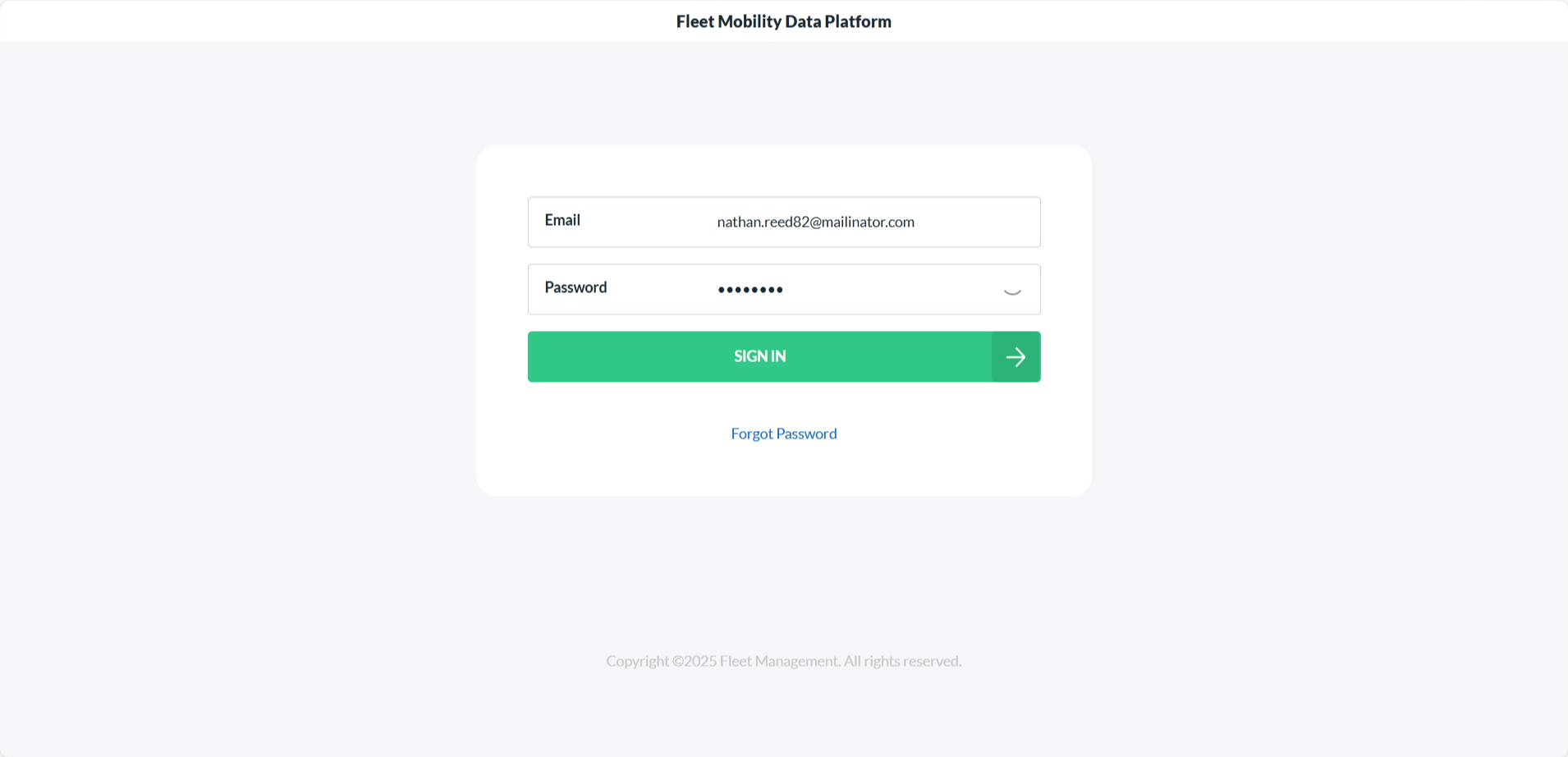
- Enter your registered email address and password manually.
- Tap on SIGN IN.
- You will be taken to the Application Selection screen.
note
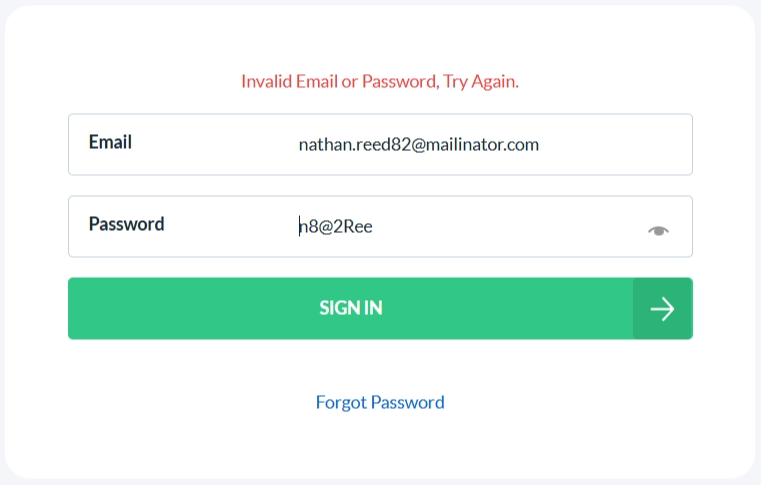
- You can see the password entered by clicking on the eye icon.
- If incorrect email or password is entered an error message is shown.
Forgot Password
If you forget your password, here’s how to reset it easily:
- On the Sign In Screen, tap Forgot Password below the sign in form.
- Enter your registered email address.
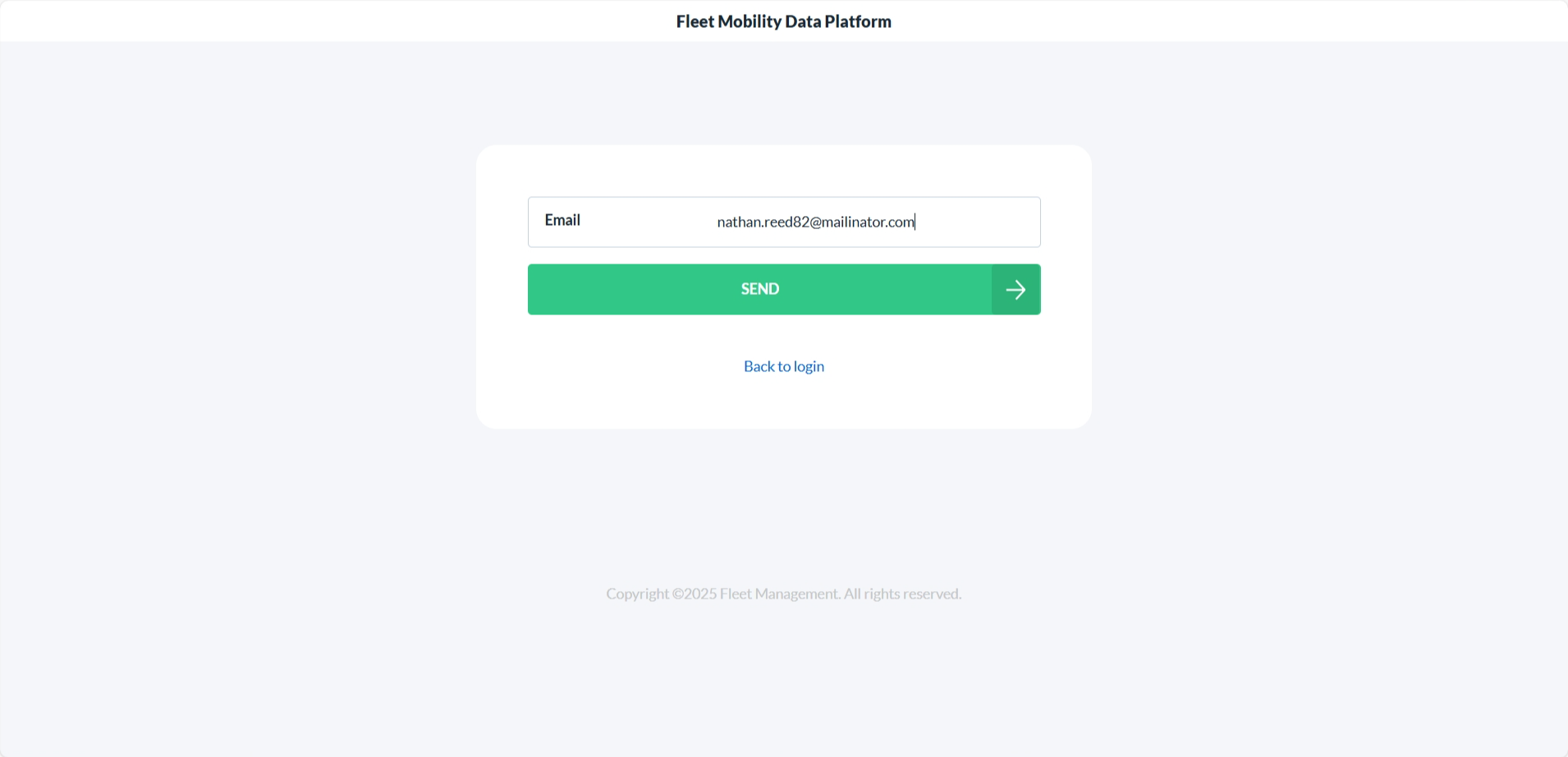
- Tap on SEND.
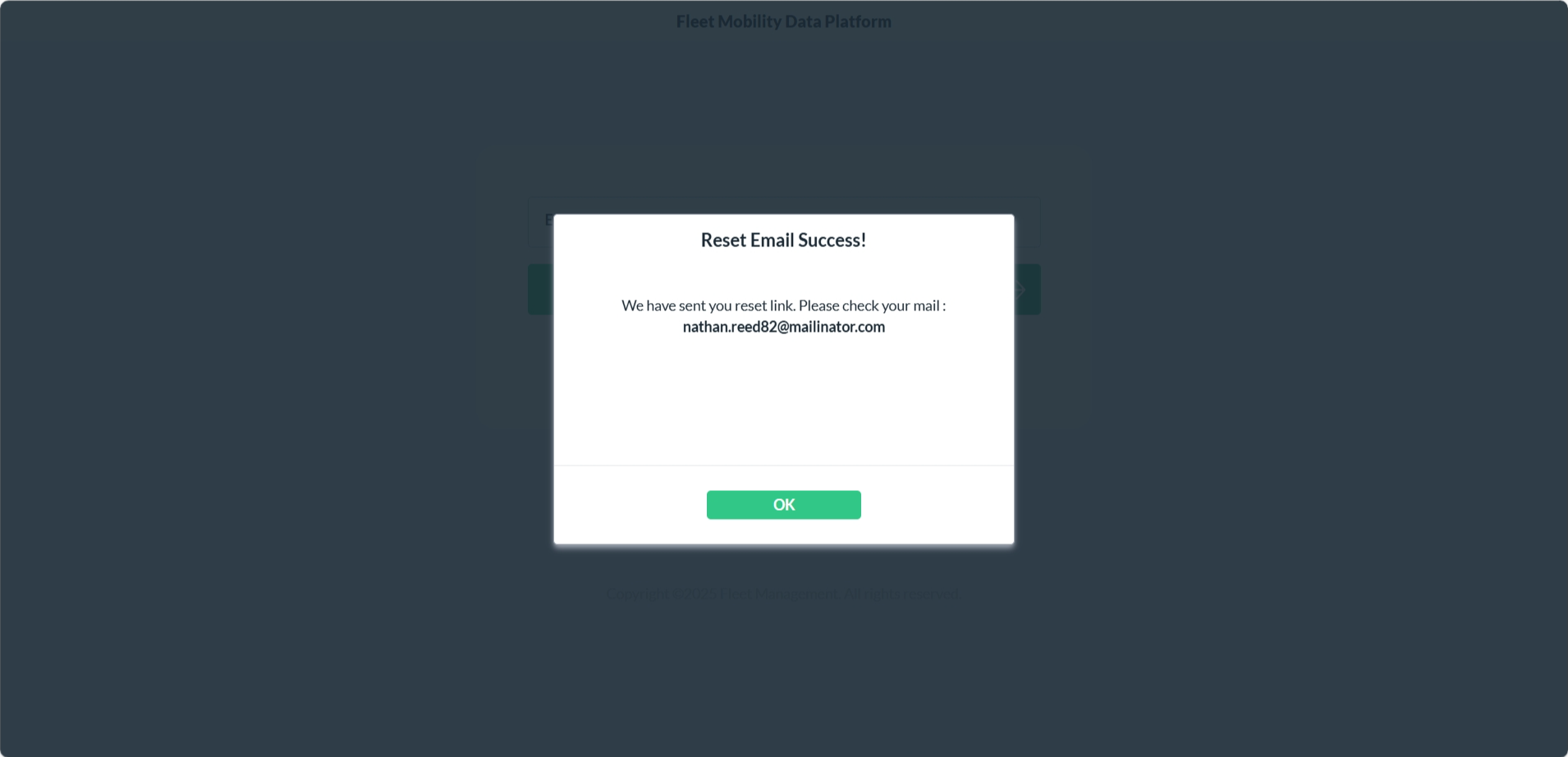
- You will receive an email with a password reset link.
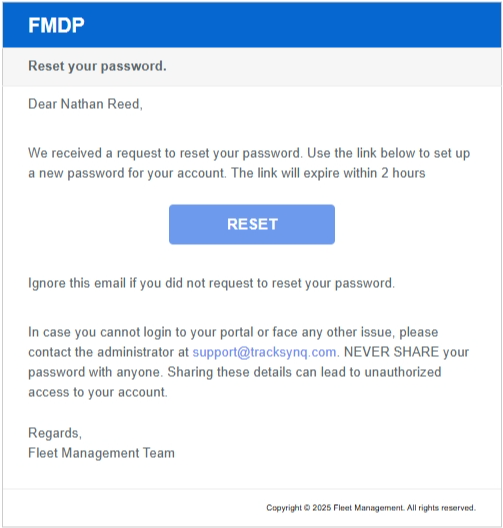
- Click on the RESET button and follow the instructions to create a new password.
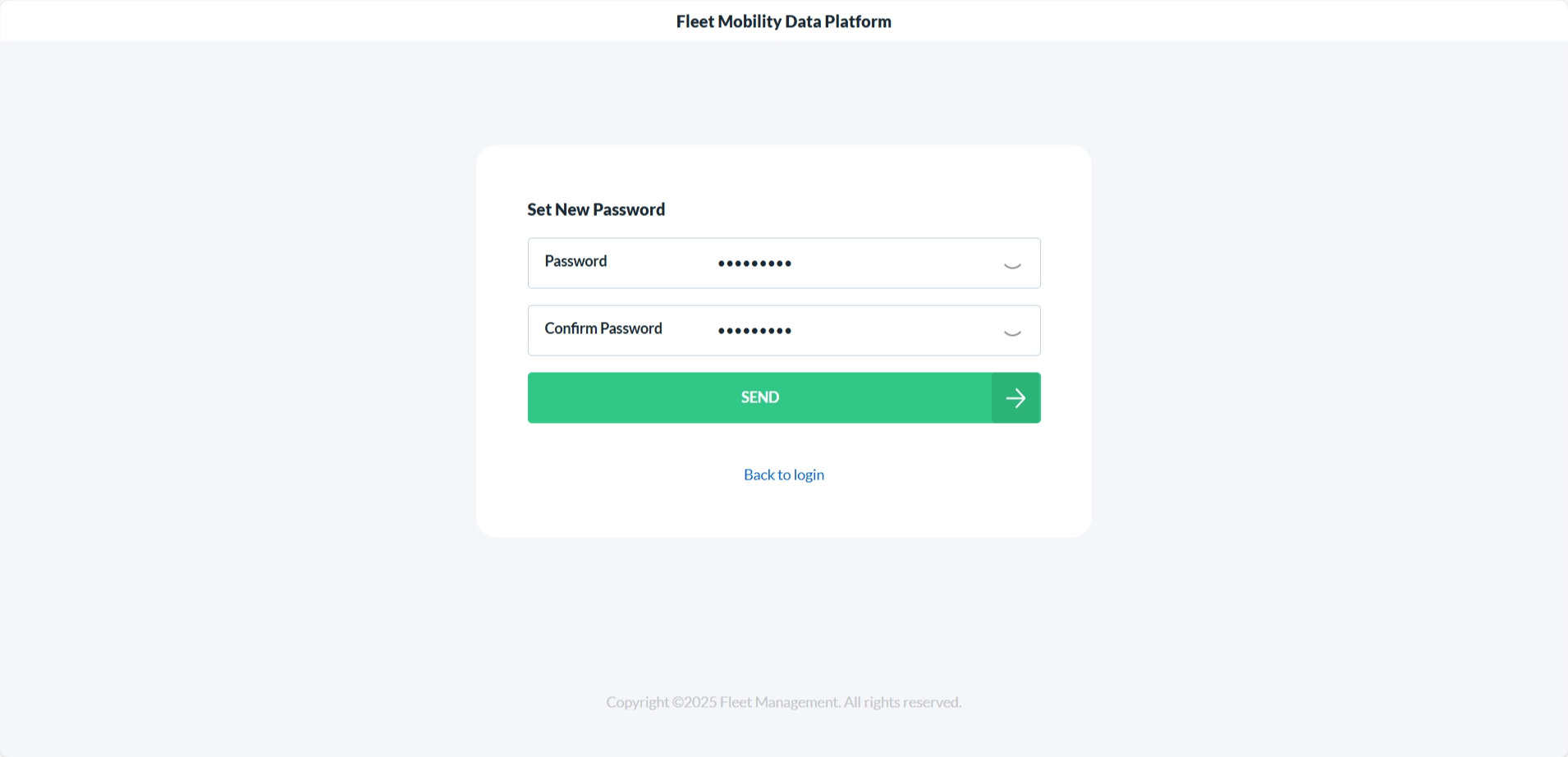
- Click on the SEND button to set the New Password.
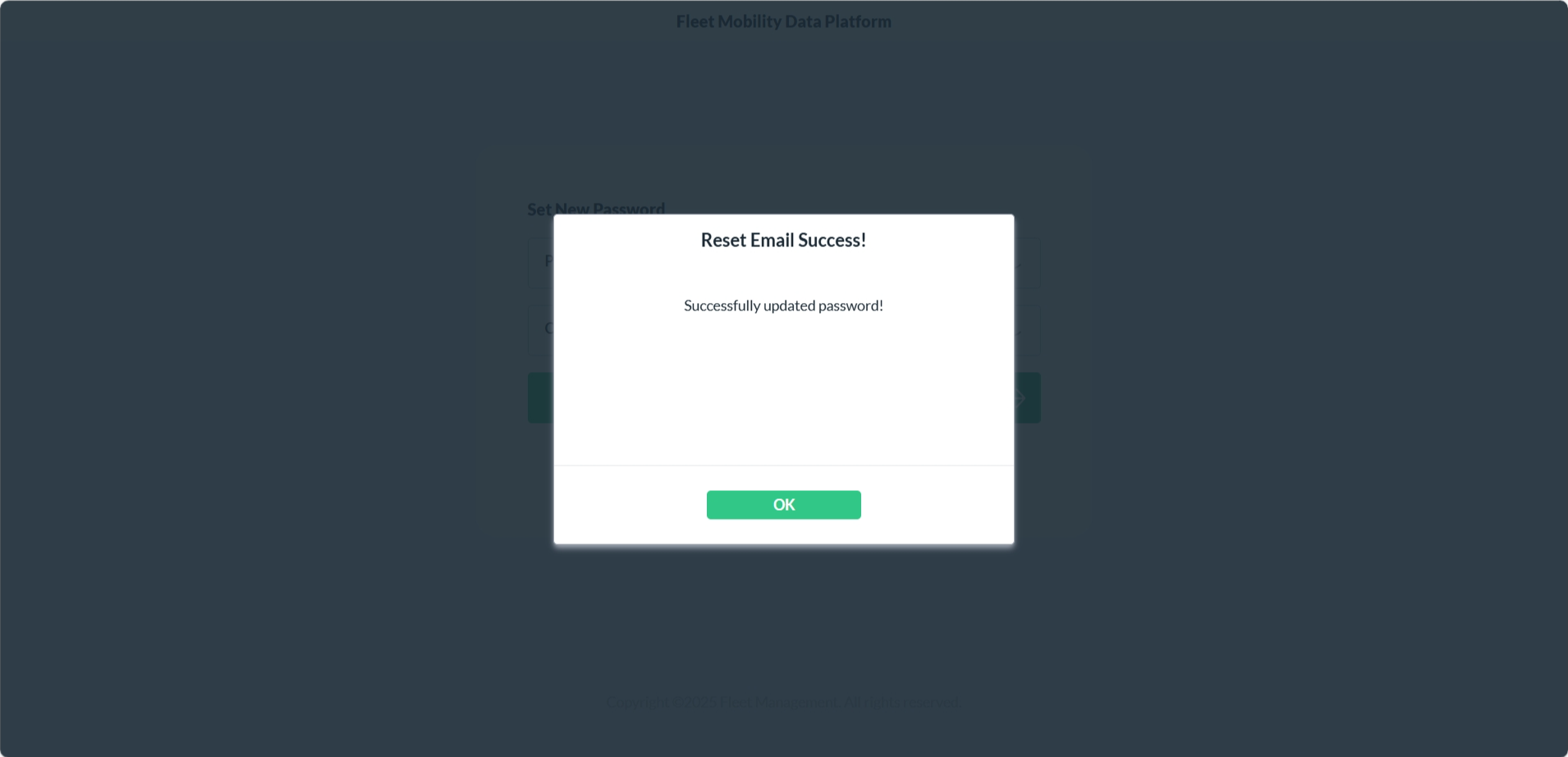
- Return to the app and log in using your new credentials.